整理您的思緒。建立您的個人知識庫。

Trilium 是一款開源解決方案,專為筆記記錄與個人知識庫管理而生。您可選擇在桌面端本地使用,或與自架伺服器同步,讓筆記隨行無阻。

AGPL-3.0 licensedNo account neededWorks offline
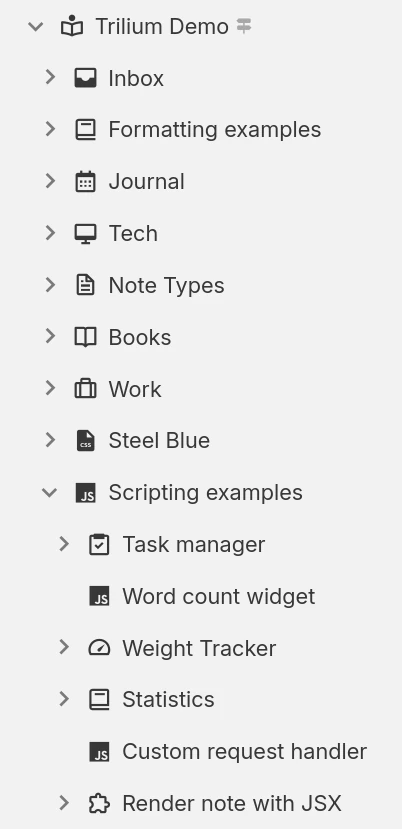
組織

Hierarchical note tree in Trilium

筆記結構

筆記可依層級排列。由於每則筆記皆可包含子筆記,故無需使用資料夾。單一筆記可在層級結構中的多個位置添加。

筆記標籤及關聯

運用筆記間的關聯或添加標籤以利分類。使用提升屬性輸入結構化資訊,此類資訊可用於表格與看板中。

工作區及聚焦

輕鬆將個人筆記與工作筆記分開管理,只需將它們歸類至特定工作區,該工作區會聚焦顯示筆記樹中的特定筆記群組。

生產力及安全性

同步

使用自託管或雲端實例,輕鬆在多台裝置間同步筆記,並透過 PWA 從手機存取。

強大的搜尋功能

或在筆記內搜尋文字,並透過篩選父筆記或層級深度來縮小搜尋範圍。

筆記歷史版本

筆記會定期在背景自動儲存,您可透過版本記錄功能檢視修改歷程或撤銷意外變更。版本記錄亦可依需求手動建立。

受保護的筆記

透過加密筆記並將其鎖定在密碼保護的工作階段中,以保護敏感的個人資訊。

Templates

Define reusable note templates with a preset structure, attributes and content, then create new notes from them in a click.

網頁剪取器

使用網頁剪取器瀏覽器擴充功能,直接擷取網頁(或截圖)並將其置入 Trilium。

Share notes on the web

If you have a server, publish any subtree of your notes as a public, read-only website that anyone can browse without an account.

Secure sign-in

Protect your server login with multi-factor authentication (TOTP), or sign in through your identity provider with OpenID Connect.

REST API

Read, create and update your notes programmatically over HTTP with Trilium's built-in REST API, ideal for automations and third-party integrations.

多種方式呈現您的資訊

Not everything fits neatly into a paragraph. Trilium offers a range of note types, from rich text and code to spreadsheets, diagrams and mind maps, so you can capture each idea in the form that suits it best and mix them freely throughout your tree.
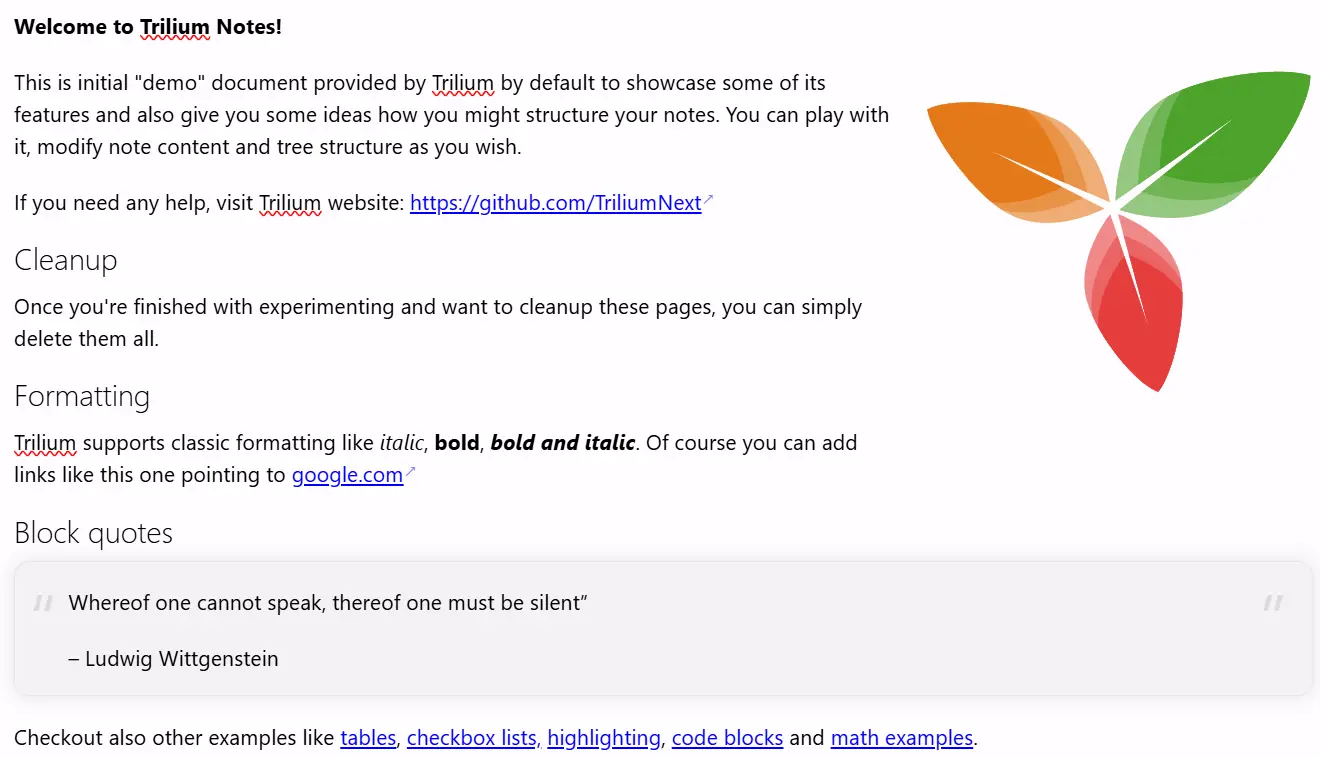
文字筆記

文字筆記

筆記採用所見即所得(WYSIWYG)編輯器進行編輯,支援表格、圖片、數學公式及帶有語法高亮的程式碼區塊。您可透過類 Markdown 語法或斜線指令快速格式化文字。

Your notes are never locked in

Your notes are yours to move freely. Bring them in from other apps, take them back out in open formats, or turn them into polished documents, whenever you like.

Import

Pull your notes in from other apps with their structure intact, or import standard Markdown, HTML and OPML files.
Imports directly from

Export

Take any note or your entire tree back out in an open, portable format at any time:
  • Markdown for portable plain text
  • HTML for self-contained pages
  • OPML for outlines

Print to PDF

Turn your notes into a polished, book-like PDF:
  • A single note
  • An entire subtree, kept in order
  • Ready to print or share

集合

Collections give a group of notes a purpose-built view. Display the very same notes as a calendar, a table, a Kanban board, an interactive map and more, then switch between layouts whenever your needs change.
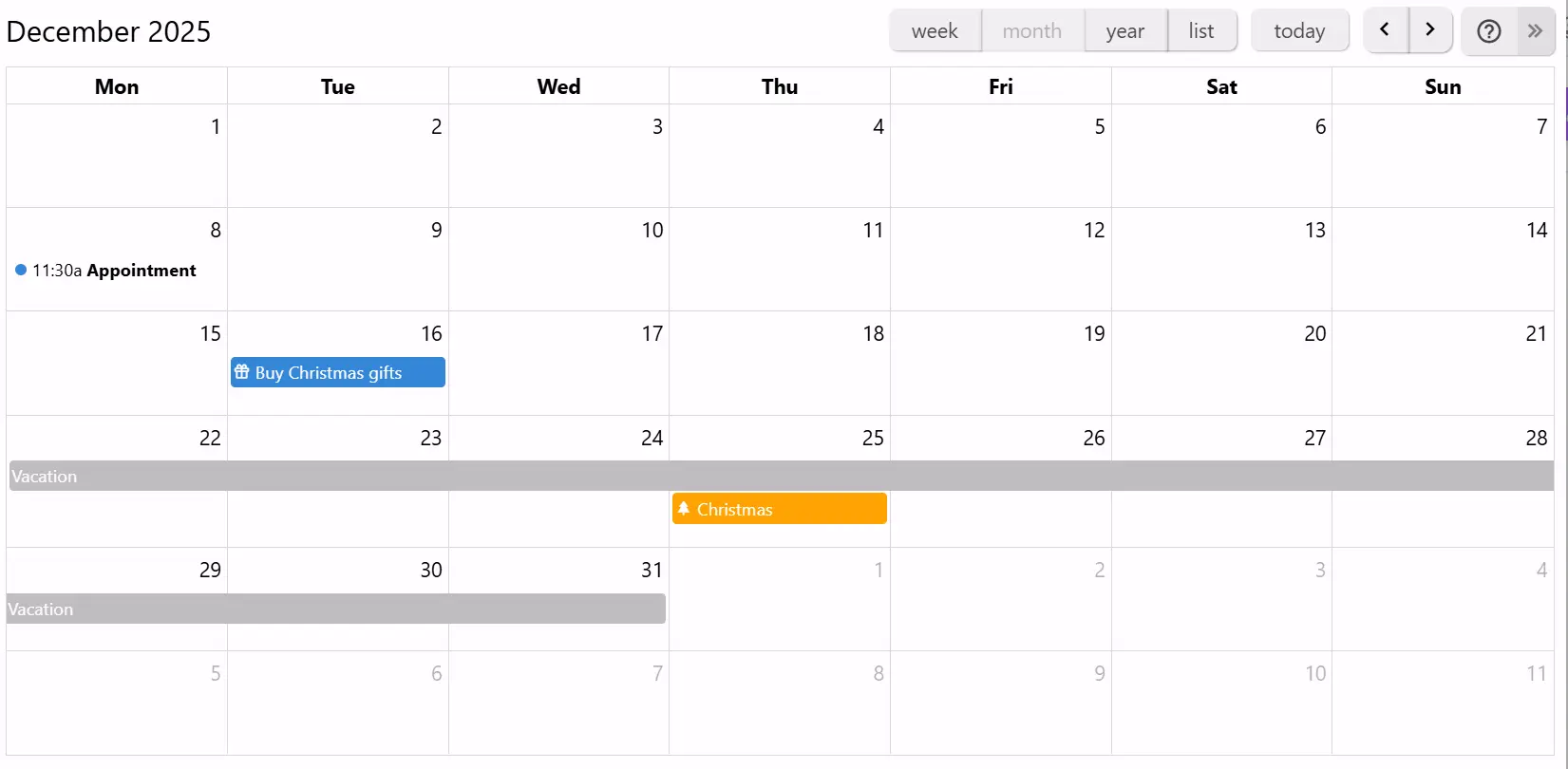
日曆

日曆

使用行事曆規劃個人或專業活動,支援全天及多日活動。透過週、月、年檢視模式,一覽所有活動。通過簡單互動即可新增或拖曳活動。

If you can imagine it, you can script it

Trilium isn't just a place to store notes, it's programmable. Write JavaScript that runs in the app or on the server, build your own interface, and automate your workflows, from a one-line tweak to a full custom app.
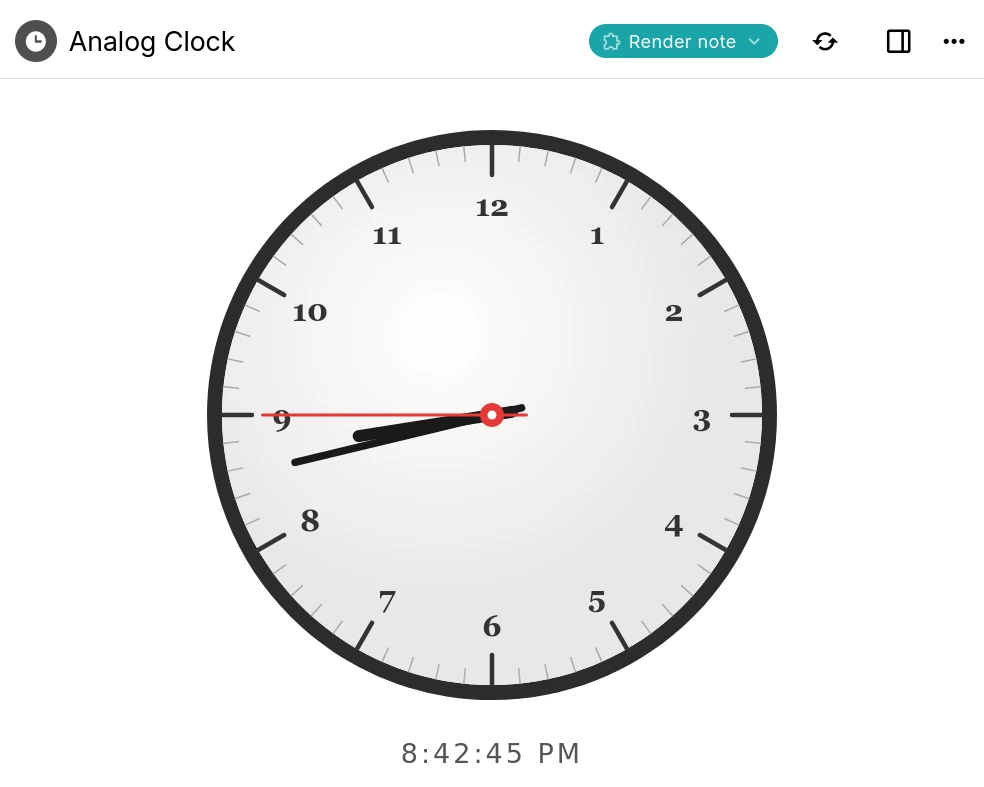
A Trilium render note displaying an interactive analog clock built with a script

Custom widgets

Add your own buttons, panels and launcher widgets to Trilium's interface using frontend JavaScript.

Backend scripts & events

Run server-side scripts on a schedule or in response to events such as creating or changing a note.

Render notes

Build interactive dashboards and mini-apps that render right inside a note, like the clock shown here.

Script API

A typed API for notes, branches, attributes and search, available to both frontend and backend scripts.

AI on your terms

Optional, and entirely on your terms. AI features are opt-in and disabled by default: your notes are never sent anywhere unless you enable them and connect your own provider.
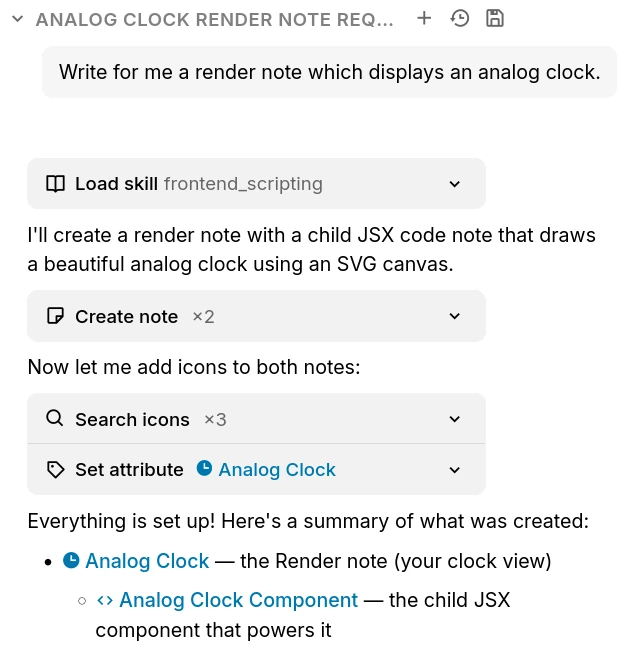
The Trilium AI chat creating notes on your behalf through built-in tools

Chat with your notes

Ask questions and brainstorm in a built-in chat that can draw on the content of your own notes.

AI that works with your notes

Let an assistant search, create and update notes on your behalf through a set of built-in tools.

Your provider, your keys

Connect OpenAI, Anthropic or Google with your own API key, or point Trilium at a self-hosted, OpenAI-compatible model. Expose your notes to external assistants over MCP.

常見問題

Is Trilium free?
Yes, completely. Trilium is free and open-source under the AGPL-3.0 license, with no paid tiers, accounts or feature paywalls. You're free to use, self-host and modify it however you like.
是否有行動應用程式?
目前尚無官方行動應用程式。不過,若您擁有伺服器實例,可透過網頁瀏覽器存取,甚至能將其安裝為進程式網路應用程式(PWA)。至於 Android系統,則有款名為 TriliumDroid 的非官方應用程式,其功能與桌面端客戶端相同,甚至支援離線運作。
使用 Trilium 是否需要伺服器?
不,伺服器允許透過網頁瀏覽器存取,並在您擁有多台裝置時管理同步作業。若無多台裝置同步需求,只需下載桌面應用程式並啟動即可。
Is there a hosted or cloud version?
Not an official one yet, though it's something we'd like to offer in the future. For now Trilium is self-hosted: run the desktop app, or host the server yourself. If you'd rather not manage a server, third-party providers such as PikaPods offer managed Trilium hosting.
Can multiple people collaborate on the same notes?
Trilium is designed as a single-user application. You can sync your own notes across all of your devices, and publish read-only notes to the web for others to view, but real-time multi-user editing of the same notes isn't supported.
資料儲存在哪裡?
所有筆記都將儲存於應用程式資料夾內的 SQLite 資料庫中。Trilium 採用資料庫而非純文字檔案的考量,在於效能表現,以及某些功能(例如複製筆記——在樹狀結構中多處出現相同筆記)若以純文字檔案實現將困難得多。若需尋找應用程式資料夾位置,請直接開啟「關於」視窗即可。
應用程式在筆記數量龐大時表現如何?
根據使用情境,本應用程式應能無障礙處理至少十萬筆筆記。請注意,若上傳大量大型檔案(單一檔案達 1 GB),同步過程可能發生失敗,因 Trilium 本質上更偏向知識庫應用程式,而非檔案儲存服務(例如 NextCloud)。
我能否透過網路磁碟機共享我的資料庫?
不,通常不建議透過網路磁碟機共享 SQLite 資料庫。雖然有時可能運作正常,但由於網路環境中檔案鎖定機制不完善,資料庫仍存在損毀的風險。
我的資料如何受到保護?
預設情況下,筆記不會進行加密,可直接從資料庫讀取。一旦將筆記標記為加密狀態,系統便會使用 AES-128-CBC 演算法對該筆記進行加密。

Still have questions? Ask the community

準備好開始使用 Trilium Notes 了嗎?

運用強大功能與完整隱私保護,建立您的個人知識庫。